
 @Anionex
dsh-pinned-sessions
dsh会话置顶插件 | dsh session pinning plugin, pin important DeepSeek Harness sessions in the workspace sidebar
- Stars
- 2
- Language
- TypeScript
- Created
- Sep 4, 2026
- Updated
- Oct 18, 2026
Introduction
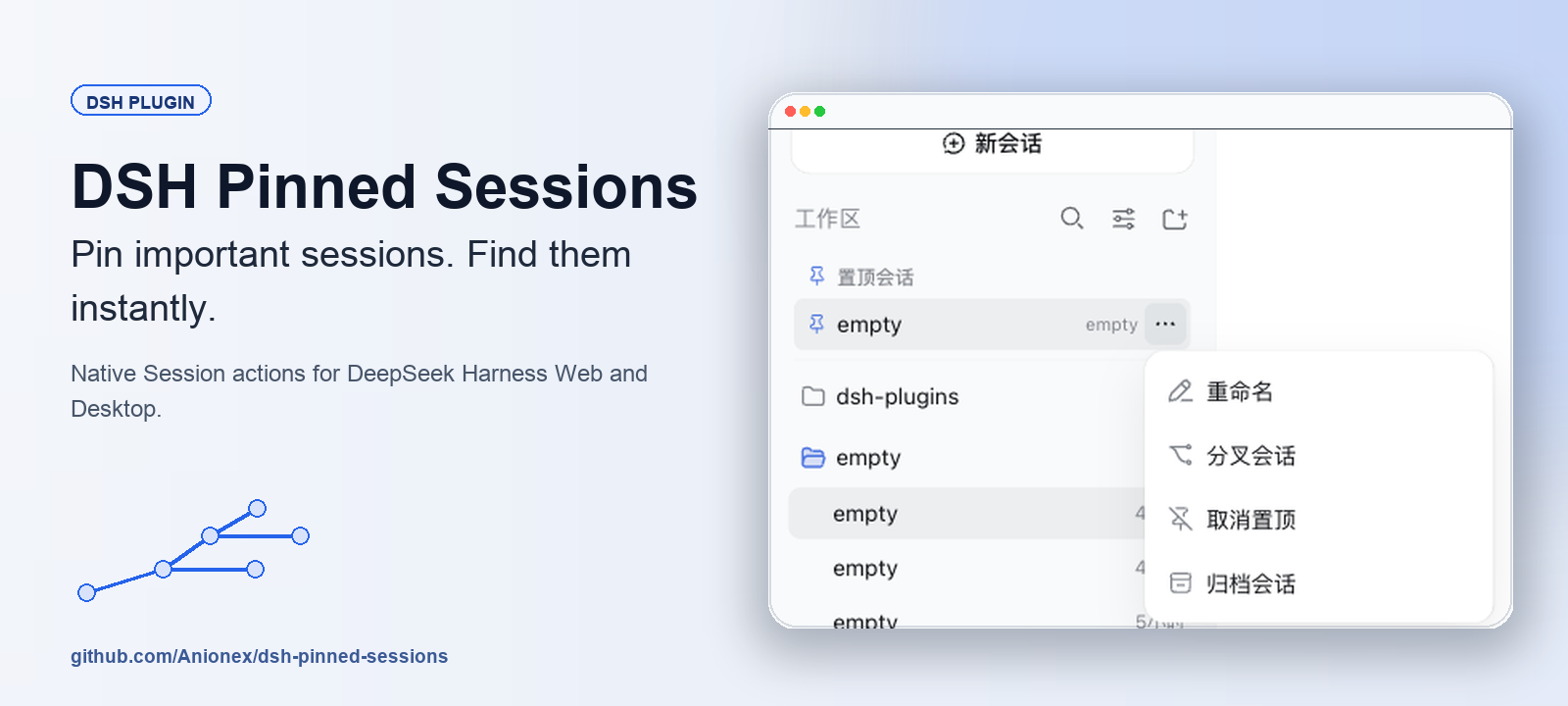
DSH Pinned Sessions



Pin important Sessions. Open them without searching through every Workspace.
English · 简体中文
DeepSeek Harness keeps Sessions inside their original Workspaces. Once the list grows, returning to a few active Sessions takes repeated scanning. DSH Pinned Sessions adds a compact pinned section below the Workspace header while leaving every native Session row in place.
See It in Action
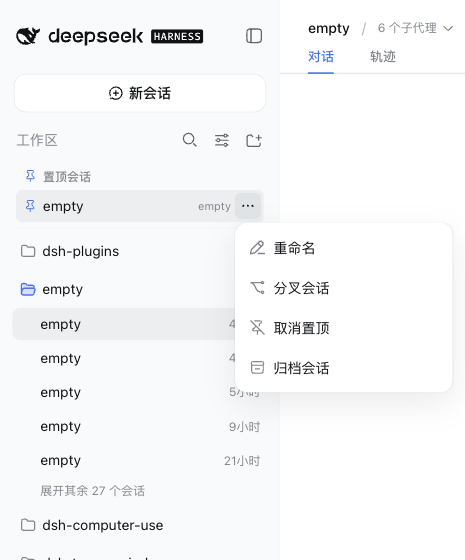
Hover a pinned row to reveal its ellipsis menu. The Web profile shows Rename, Fork session, Unpin from top section, and Archive session. The Desktop profile also shows Delete session when Archive Manager provides the same action on native rows.
Highlights
- Reach active work from the top of the sidebar: pinned copies stay below the Workspace header, ordered newest first.
- Keep native organization intact: the original Session remains in its Workspace.
- Use familiar actions: pinned rows use DSH Menu, Modal, Button, icon, and service APIs.
- Work with exact Session identities: pinning never guesses from a title or list position.
- Stay local: the plugin stores Session IDs and pin timestamps in browser storage. It does not read or copy conversation content.
- Navigate by keyboard: Arrow keys move through the menu, Escape returns focus, and removed rows hand focus to the next useful target.
Quick Start
Install the plugin in either profile, or run both commands:
dsh plugin add @anionex/dsh-pinned-sessions --profile web
dsh plugin add @anionex/dsh-pinned-sessions --profile desktop
Refresh Web or restart Desktop. Open any native Session ellipsis menu and choose Pin to top section. The pinned copy appears below the Workspace header; use Unpin from top section from either menu to remove it.
Requirements
- DeepSeek Harness
>=0.1.0-rc.8 <0.2.0 - Node.js
^22.19.0or>=24.0.0 - A
webordesktopDSH profile
Compatibility
| Profile | Pinned-row actions | Verified behavior |
|---|---|---|
| Web | Rename, Fork, Unpin, Archive | Official DSH primitives and Session/Workspace services |
| Desktop | Rename, Fork, Unpin, Archive, optional Delete | Delete and failure Toasts appear only while Archive Manager exposes its Session deletion capability |
Existing release ranges are preserved. Version 0.1.2 adds DSH 0.2.0-rc.2 installation support and uses its official session-menu slot and workspace navigation service. The plugin's top section remains separate from native workspace pinning. Web and official Electron Desktop installation and interactions have been verified; see CHANGELOG. Legacy hosts retain the stable slot/ARIA bridge.
How It Works
- A click in the native Session menu captures that Session's exact ID synchronously.
PinStorepersists the ID and pin timestamp underdsh.pinned-sessions.v1inlocalStorage.- The
shell.overlaymount observes[data-slot="sidebar.workspaces"]and portals a compact list below its header. - Pinned actions call DSH Session and Workspace services; Desktop Delete calls the optional Workspace Registry service.
The store keeps at most 500 unique IDs and prunes Sessions that no longer exist or have been archived.
Data and Limitations
- Pins belong to the current DSH browser origin/profile. The plugin does not sync them between machines.
- The plugin stores only Session IDs and
pinnedAttimestamps inlocalStorage. - Pinned rows duplicate native rows by design; they do not move or remove the originals.
- Delete stays hidden unless the Desktop deletion provider is active.
- DSH client APIs change across prereleases; use the exact tested release verdicts in the package compatibility metadata.
Development
git clone https://github.com/Anionex/dsh-pinned-sessions.git
cd dsh-pinned-sessions
corepack enable
pnpm install --frozen-lockfile
pnpm run check
pnpm run check type-checks both targets, rebuilds the distributable client, runs the Vitest and package-layout suites, and performs an npm pack dry run.
Community
- Read CONTRIBUTING.md before opening a pull request.
- Report vulnerabilities through the process in SECURITY.md.
- Use SUPPORT.md to choose the right issue path.
- Review release history in CHANGELOG.md.
- Read FUNDING.md before sponsoring maintenance.
- Follow the Code of Conduct in project spaces.
Released under the MIT License.