
 @jeremytenjo
dsh-plugin-source-control
DeepSeek Harness plugin for generating commit messages, committing changes, and pushing unpushed commits from the composer.
- Stars
- 0
- Language
- JavaScript
- Created
- Oct 24, 2026
- Updated
- Oct 24, 2026
Introduction
Source Control for DeepSeek Harness
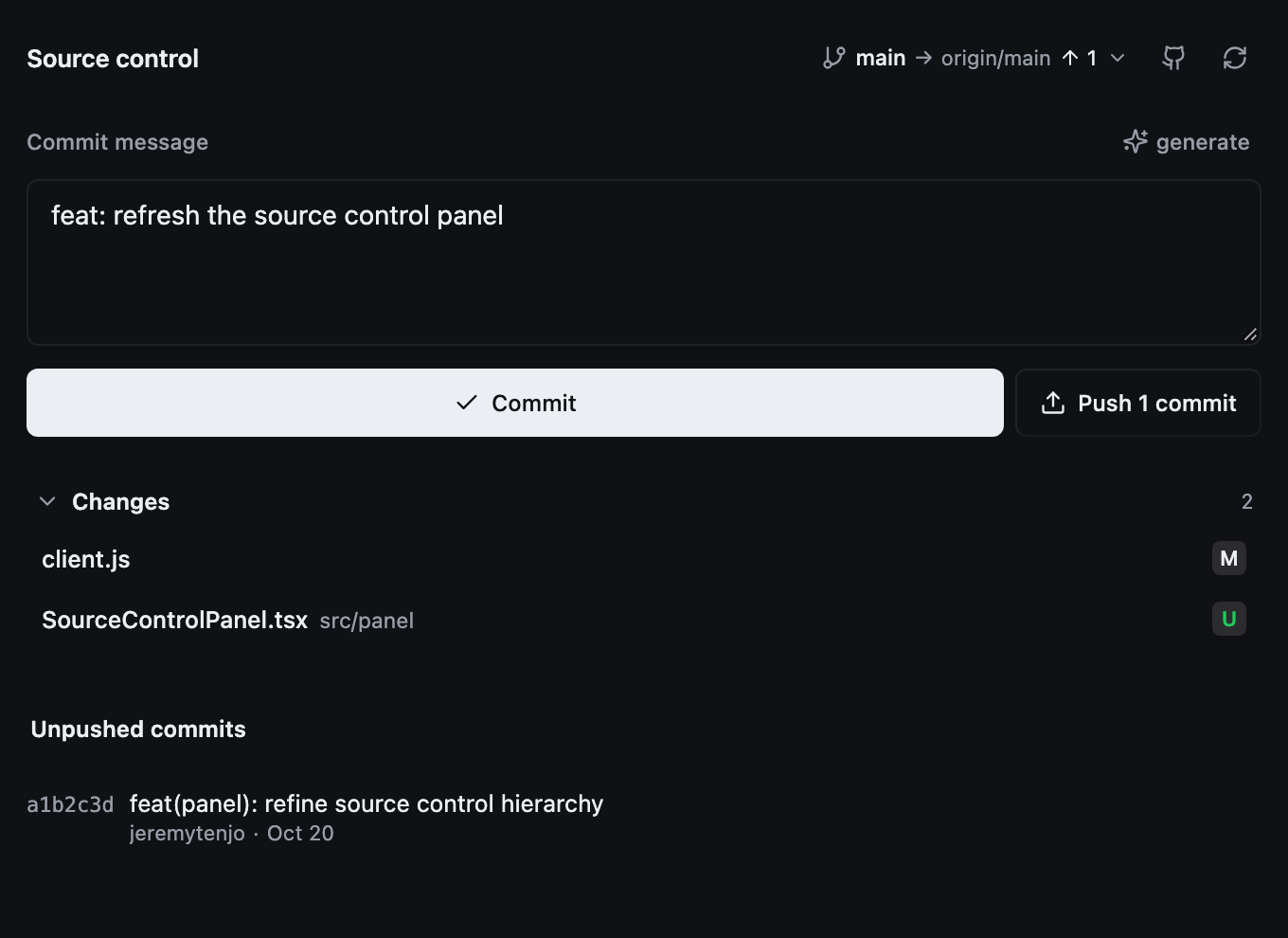
Review changes, generate commit messages, commit, push, and manage GitHub repositories from the session's right sidebar.
Features
- Generate a Conventional Commits message from the current diff using the session's model.
- Commit all changes with
git add -Aandgit commit; hooks are respected. - See the current branch, upstream, and ahead/behind state at a glance.
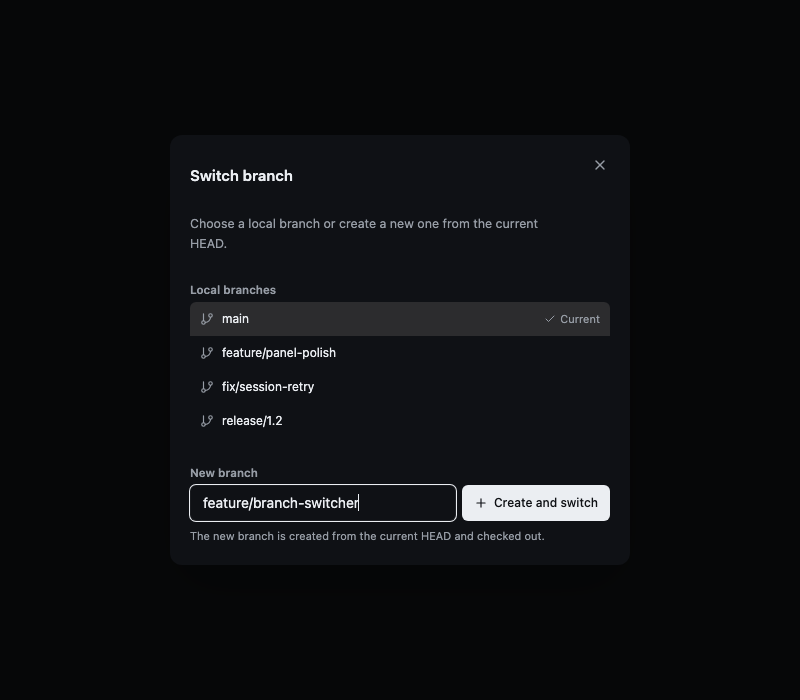
- Switch local branches or create a new one from the header; a new branch is checked out automatically.
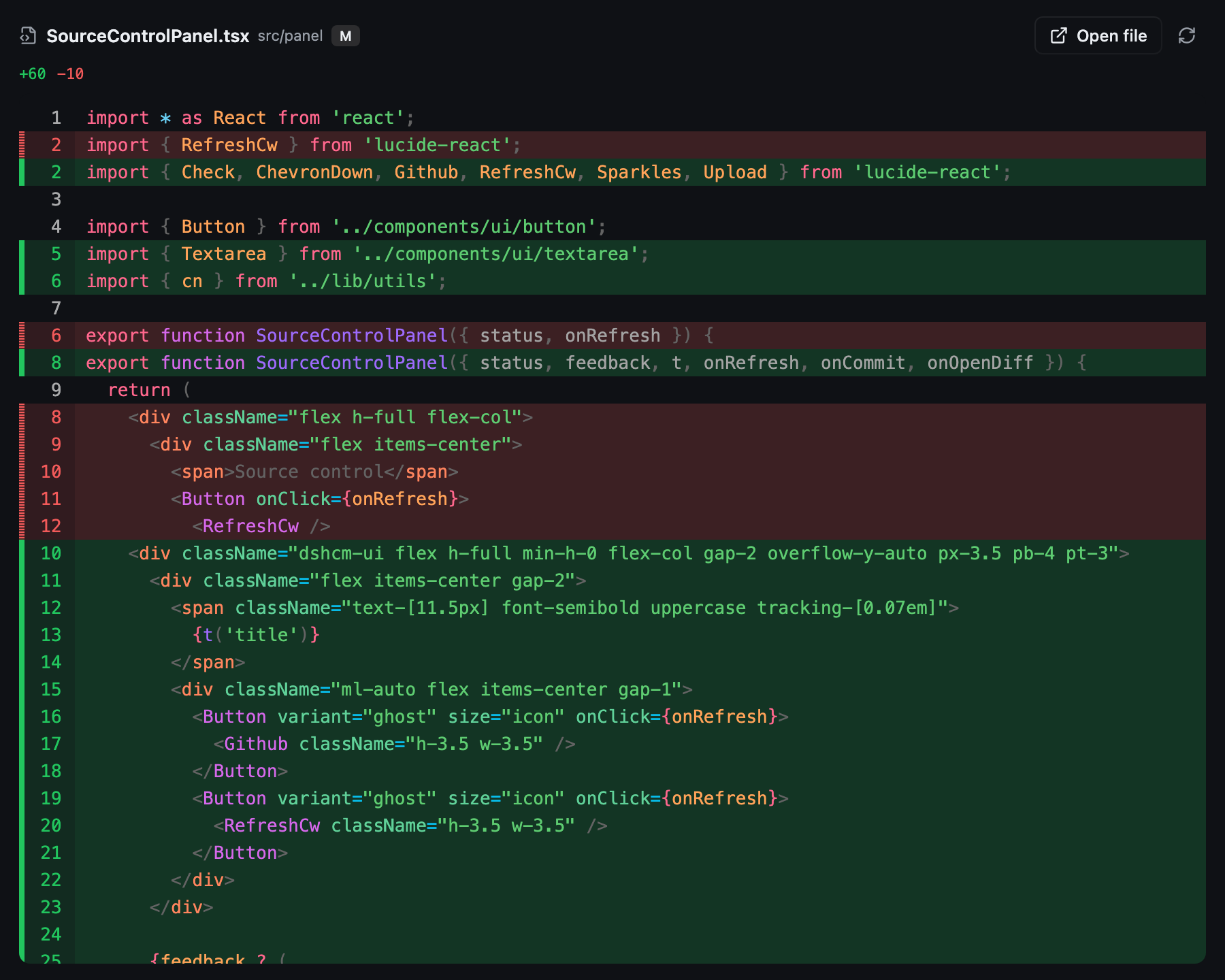
- Per-file diff view with Shiki syntax highlighting from
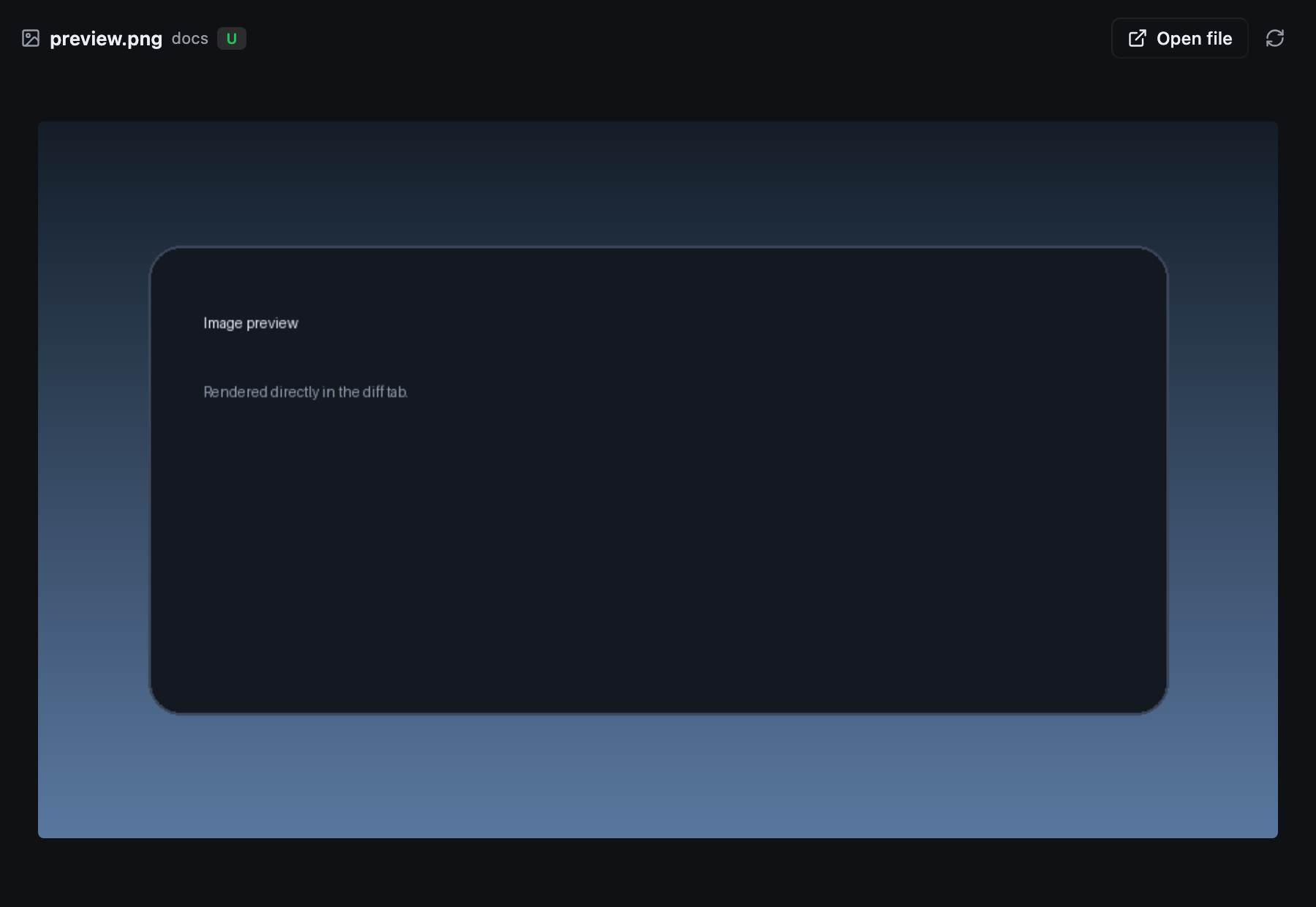
@pierre/diffs, line numbers, hunk separators, and worktree-vs-HEADcontext. - Preview changed images, video, and audio directly in the diff panel.
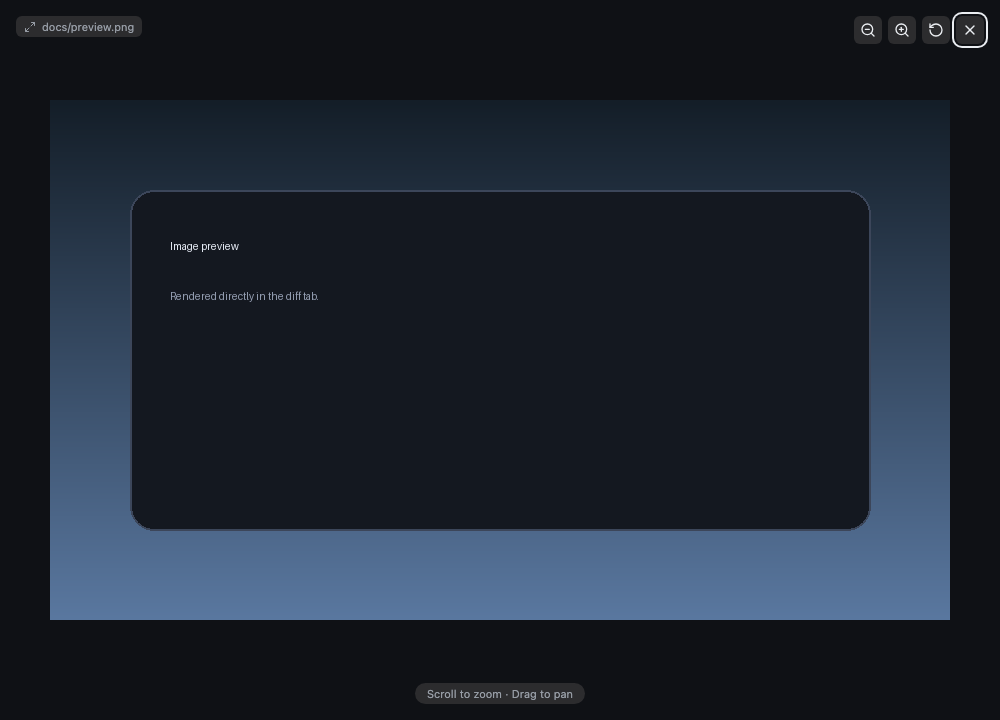
- Click an image to open a full-screen viewer with wheel/pinch zoom, drag-to-pan, and a close button.
- Right-click a line in the diff to open the file in VS Code at that line.
- Push unpushed commits to the configured upstream.
- Open the connected GitHub repository, or create a private/public repository with
gh. - Restart the app and Host from a dead-session error.
- English and Chinese UI.
Media previews
Images, video, and audio render in place of a text diff. Media is streamed from a loopback-only route with range support for seeking. Click an image to open a full-screen viewer powered by react-zoom-pan-pinch; scroll or pinch to zoom, drag to pan, and press Escape or the close button to exit.
Branch switching
Click the branch indicator next to the GitHub icon to switch local branches or create a new one. New branches are created from the current HEAD and checked out immediately.
Requirements
- DeepSeek Harness
0.2.1-rc.2. - Git, with an upstream branch for pushing.
- A configured model for message generation.
- For repository creation: GitHub CLI (
gh) installed and authenticated withgh auth login. - For Open in VS Code: VS Code installed with the
codecommand onPATH.
Install
git clone https://github.com/jeremytenjo/dsh-plugin-source-control.git
dsh plugin --profile desktop add ./dsh-plugin-source-control
Restart the Host or reload the page. Replace desktop with the profile name shown by dsh --profile <name> --dump-config.
Usage
- Open a Git repository in a session.
- Click the Git button beside the composer to open the Source Control panel.
- Click the branch indicator in the header to switch or create a branch.
- Write or generate a commit message, then click Commit.
- Use Push when the branch is ahead of its upstream.
- Click a changed file to open its diff; Open file shows the full file.
- Use the GitHub icon to open the repository or create a new one.
Cmd+Enter / Ctrl+Enter in the message field commits.
Development
The browser half is built from TSX with React, Tailwind CSS, shadcn primitives, and Lucide icons. client.js is the eager panel bundle; the @pierre/diffs renderer lives in client.diff.js and loads lazily. src/client.tsx is the build entry and re-exports src/client-controller.js, which owns Host RPC, state, translations, and sidebar wiring.
pnpm install
pnpm typecheck
pnpm build
pnpm build regenerates client.js, client.diff.js, and the Tailwind CSS. Commit both bundles. After changing the Host half, reload the plugin (Settings → Plugins → disable/enable) or restart the Host.
Security and limits
- Git,
gh, andcodecommands use argv arrays, never a shell. The restart action uses Electronapp.relaunch(). - The diff view compares the working tree with
HEAD; it does not browse history or arbitrary revisions. - Diff highlighting runs on the main thread, and the lazy diff chunk is about 10 MB.
- Media previews show the current working-tree file; deleted media falls back to the binary note.
- Branch switching lists local branches only; remote branches are not checked out.
- GitHub support targets
github.comonly.