
 @pengyue-polaron
deepseek-harness-genui
Task-specific React apps for DeepSeek Harness with state carried into the next Agent turn
- Stars
- 112
- Language
- TypeScript
- Created
- Aug 14, 2026
- Updated
- Sep 16, 2026
Introduction
DeepSeek Harness GenUI

English | 简体中文





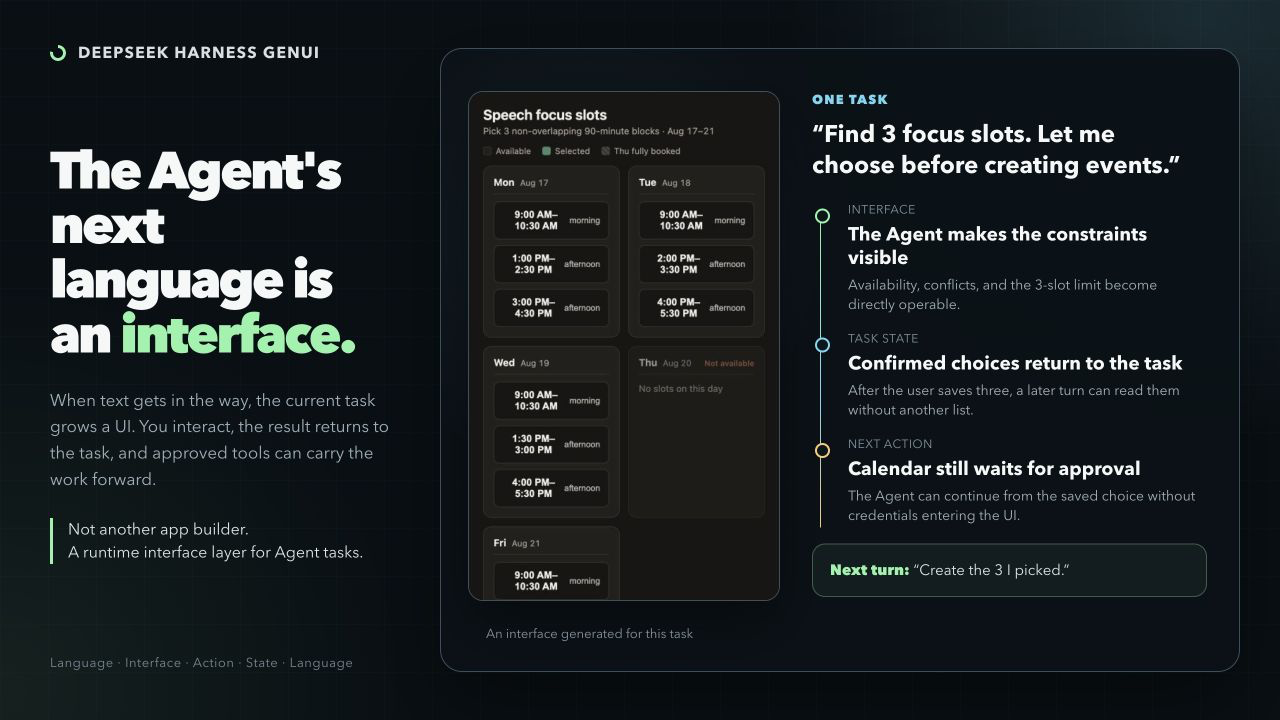
DeepSeek Harness GenUI lets an Agent build a focused interface when a task is awkward in text. The Coding Agent writes ordinary React + TypeScript—not a component-tree DSL—and the interface can save user selections for the next Agent turn.
The result is a task-specific app that can explain a difficult relationship, collect connected choices, or continue a tool-backed workflow without asking the user to repeat their input.
Related research: EvoGenUI-Bench: Evaluating LLMs as Multi-Turn Generative UI Assistants.
Install
Requires Node.js ^22.19.0 || ^24.0.0 and a supported DeepSeek Harness Web profile.
dsh plugin --profile web add dsh-plugin-genui
dsh --profile web
v0.14 supports Inline, Canvas, fullscreen, and localhost on the tested Harness versions listed in the release notes. TUI/headless profiles are not supported. The local compiler uses WebAssembly and needs no install-script approval. Plugin users do not need Chrome or Chromium.
Where It Helps
Use an interface when the user needs to see a complex relationship or make several connected choices. Plain questions, rewriting, summaries, and simple lists should stay in prose.
| Pick calendar slots Select useful writing blocks and save them to the task. A later calendar action remains separate and permission-gated. | 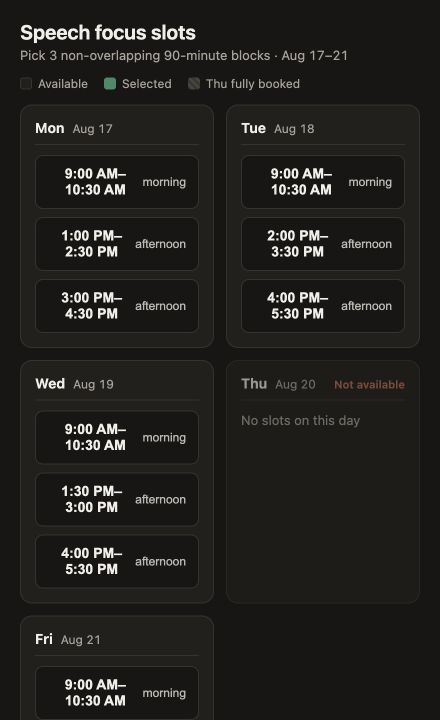 |
| Explore photosynthesis Move four causal controls and see the limiting step change immediately. | 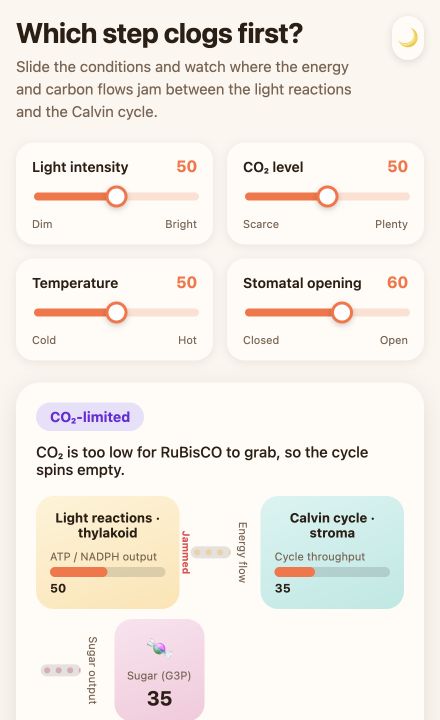 |
| Trace a code path Turn a source-grounded CLI explanation into a local explorer of files, functions, and branches. | 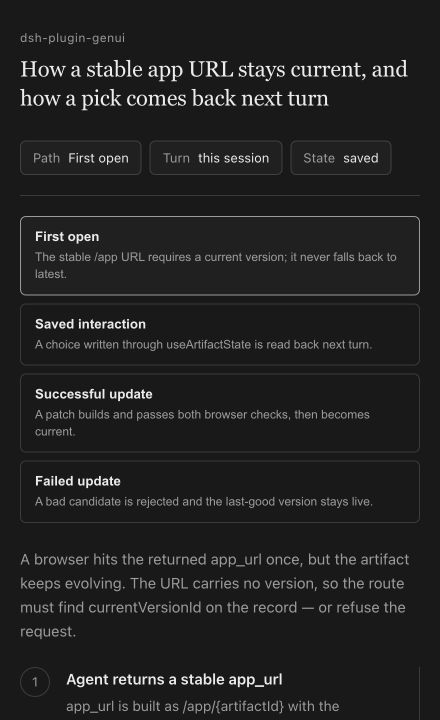 |
The Core Loop
- The Agent writes and builds a React + TypeScript app for the current task.
- The user saves meaningful values such as selections, form answers, drafts, or progress.
- A later Agent turn reads those values and continues the task.
- Connected tools and public HTTPS routes must be declared. Harness asks for task-scoped access, and undeclared calls are blocked.
Later edits update the same app. A candidate that fails the build or source checks does not replace the last working version; a crashing version is quarantined and rolled back when possible.
Inline & Canvas
| Inline | Canvas |
|---|---|
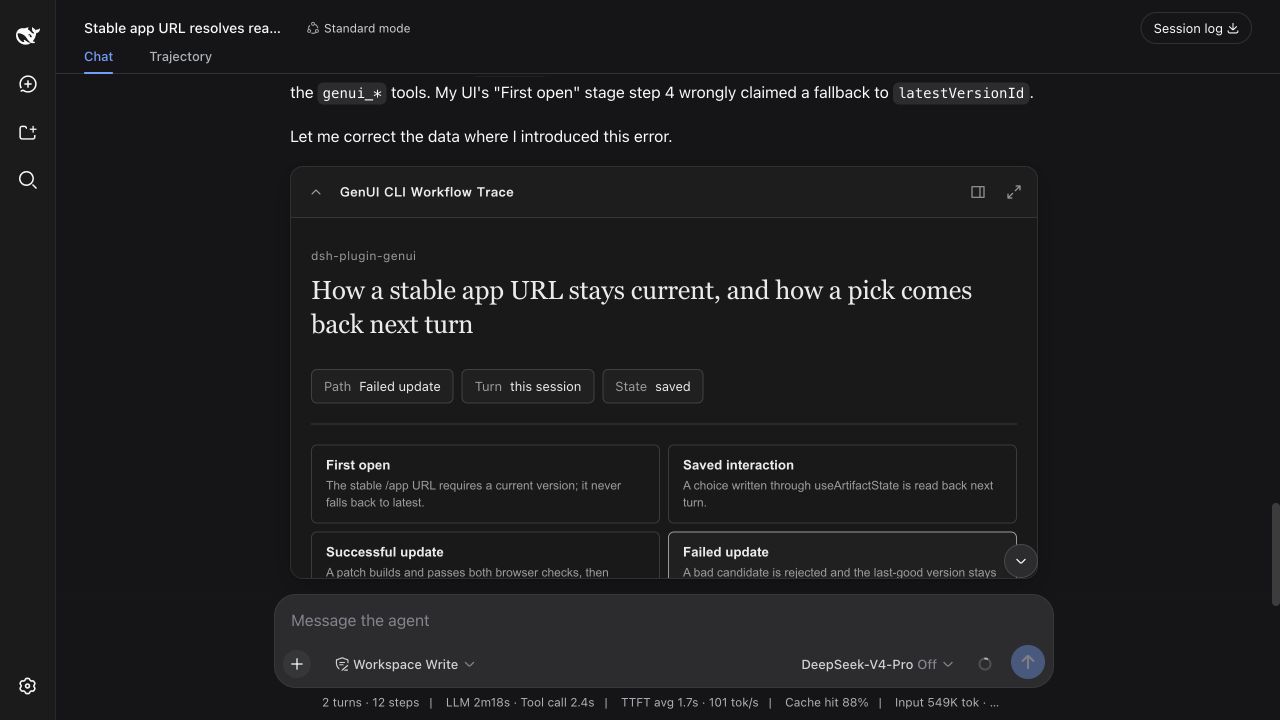 | 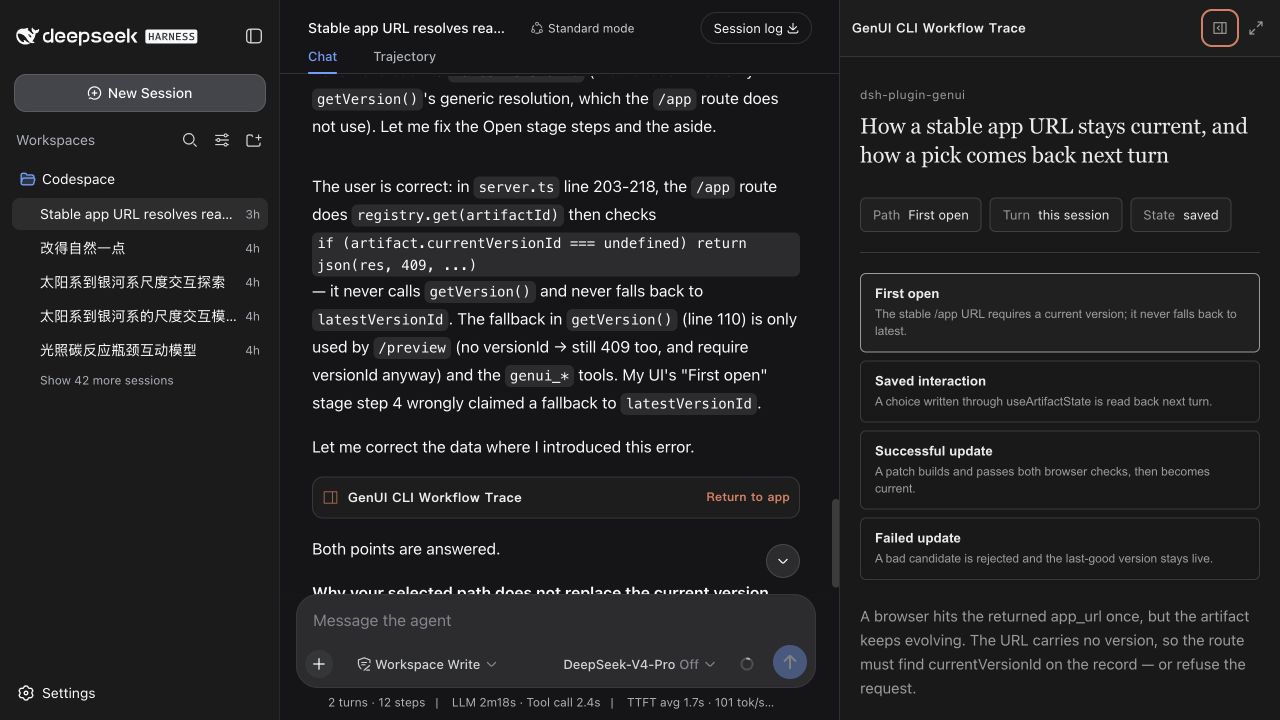 |
| A compact control or focused choice. | More room without covering the conversation. |
Inline, Canvas, fullscreen, and localhost are different surfaces over the same task state.
Try It
Start a new Web session and paste a prompt:
Plan a Saturday route with a museum, a riverside garden, and dinner. Build an
interface where I can change the times and make the garden optional.
Build an interactive double-slit experiment. Let me change wavelength, slit
spacing, and screen distance and see the interference pattern update.
After saving something in the interface, ask:
What did I just choose in the interface? Continue from the saved result.
The useful proof is not only that an interface appears—it is that the next Agent turn can continue from the interaction.
Why Code-First
Component-schema renderers are usually better for predictable cards, tables, charts, and forms. This plugin is for structures that cannot be known in advance: simulations, spatial tools, source explorers, and multi-step task apps whose saved result must continue the same Harness task.
The trade-off is deliberate: generated code is more expressive than a fixed component catalog, while this project remains DeepSeek Harness-specific rather than a cross-client UI protocol. See dsh-genui, dsh-visualize, A2UI, and MCP Apps for related approaches.
DESIGN.md
Open Settings → Plugins → Plugin configuration to choose automatic design selection, use material-3, apple-human-interface, or shadcn-ui, or import a custom DESIGN.md. The file controls visual language, not page structure; React remains free to implement the interaction the task needs.
Safety
Generated code runs in an opaque-origin sandbox. A trusted parent keeps the real task capability token and brokers only saved state, declared tools, and declared credential-free public HTTPS routes. MCP credentials never enter generated code. Temporary links and grants expire after 7 days, as does task state 7 days after its last update.
This boundary protects host credentials and capabilities, but it cannot make malicious code safe to trust with data already authorized for it to read. Do not put secrets in generated-app state or grant access to data the app should not display. See Security for the threat model.
Development
Building from source requires pnpm 11:
pnpm install
pnpm run typecheck
pnpm run build
pnpm test
pnpm run package:plugin
Acceptance scenarios · Release notes · Contributing · MIT
Listed on dsh-market · dsh.so · awesome-dsh-plugin · dsh.plus