
 @tylina
dsh-tylina
Edit typeset Typst documents inside DeepSeek Harness. Share a workspace with your agent, from first draft to finished PDF.
- Stars
- 9
- Language
- JavaScript
- Created
- Sep 7, 2026
- Updated
- Sep 19, 2026
Introduction

Tylina for DeepSeek Harness
Beautiful documents, right beside your agent.
English · 简体中文
Website · Try the Web editor · Install
Edit typeset Typst documents inside DeepSeek Harness. Share a workspace with your agent, from first draft to PDF or PowerPoint delivery.
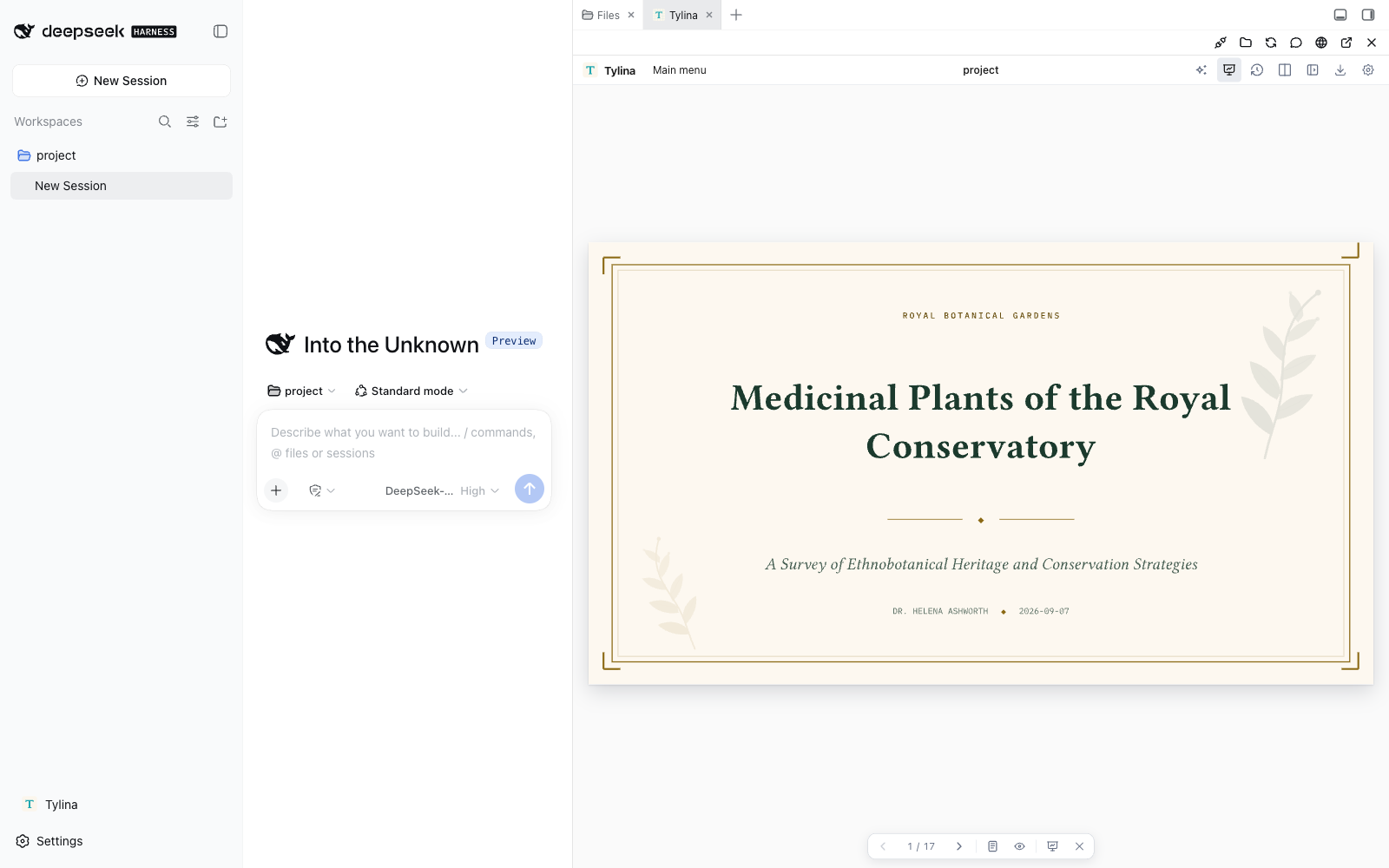
- Edit the finished page. Click and write on the typeset document; use Split or Source Lens for precise source control.
- Create with your agent. Share the conversation's workspace, document tools, Typst Skills, and MCP. Harness owns the model and chat.
- Bring in source material. Import PDF, DOCX, PPTX, or XLSX evidence into reviewable Markdown. Scanned PDFs use explicit local OCR without Python.
- Go from template to delivery. Templates, fonts, Slides Mode, presenter view, and PDF or PowerPoint export are part of the same editor.
Install & update
Already using DeepSeek Harness? Install the browser WASM edition:
dsh plugin --profile web add dsh-tylina
dsh web
Update:
dsh plugin --profile web update dsh-tylina@latest
Click Tylina to open the current conversation’s workspace automatically. Double-click a .typ file,
or ask your agent to set the main document. Switch conversations and the editor follows; pin it to stay in one workspace.
WASM lists folders as you expand them and reads only requested files, including Typst dependencies. The header also offers a separate window.
With Better Sidebar installed, Tylina joins its tabs; otherwise it provides its own resizable sidebar.
Native edition, requirements, and switching
Choose browser WASM or native compilation on the Harness host. Both editions follow the current session and load workspace files on demand; see Releases for updates.
| Package | Compilation runs in | Choose it for |
|---|---|---|
dsh-tylina | WASM Workers in your browser | A portable setup without native Typst executables |
dsh-tylina-native | Native processes on the Harness host | Native compilation performance |
Both share the editor, workspace, templates, and tools. Native packages target macOS, Windows, and Linux on x64/arm64; Linux requires glibc. Install one edition per profile. To switch to native:
dsh plugin --profile web remove dsh-tylina
dsh plugin --profile web add dsh-tylina-native
Native updates: dsh plugin --profile web update dsh-tylina-native@latest.
Verified with Harness 0.1.2-rc.1, 0.1.5-rc.1, and 0.1.5-rc.2, Node.js 22.19+ or 24, and pnpm 11.9.
Restart a running Harness after installation or updates. Check the installed version with
dsh plugin --profile web list dsh-tylina --depth 0 (use dsh-tylina-native for the native edition).
The plugin also checks compatible stable core Skill releases in the background. A downloaded collection
becomes active only after the next Harness start; the collection packaged with the plugin remains the fallback.
If a just-published update is not picked up, pnpm 11 may be applying its release-age delay: “Already up to date” can still mean the older eligible version. Wait for it to become eligible, or use the exact update command in that release.
Work with real documents
Keep the conversation, files, and finished page in one workspace. Ask the agent to prepare a draft, then inspect and revise the typeset result directly before you export it.
Polish a résumé beside the review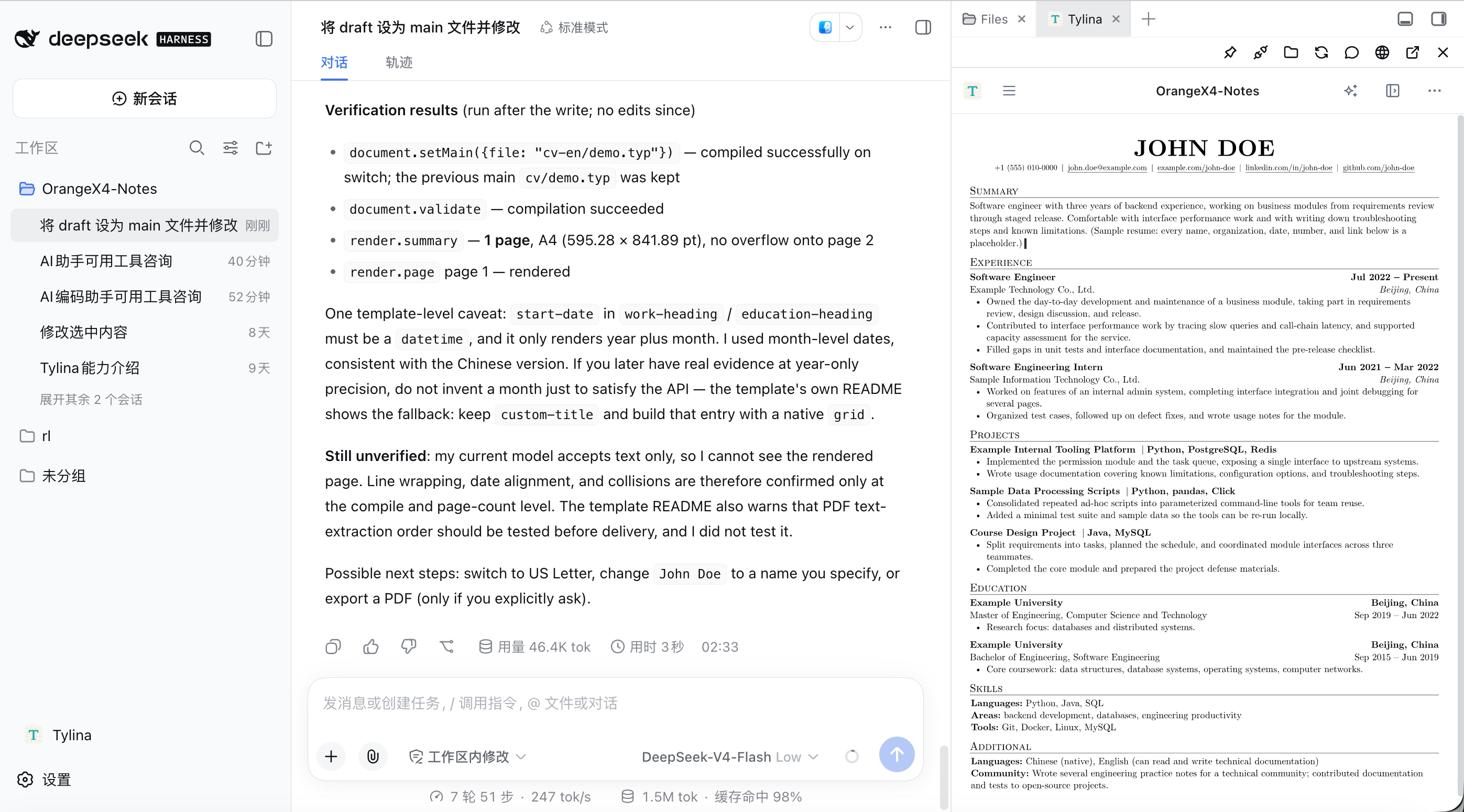 | Take a score from source to delivery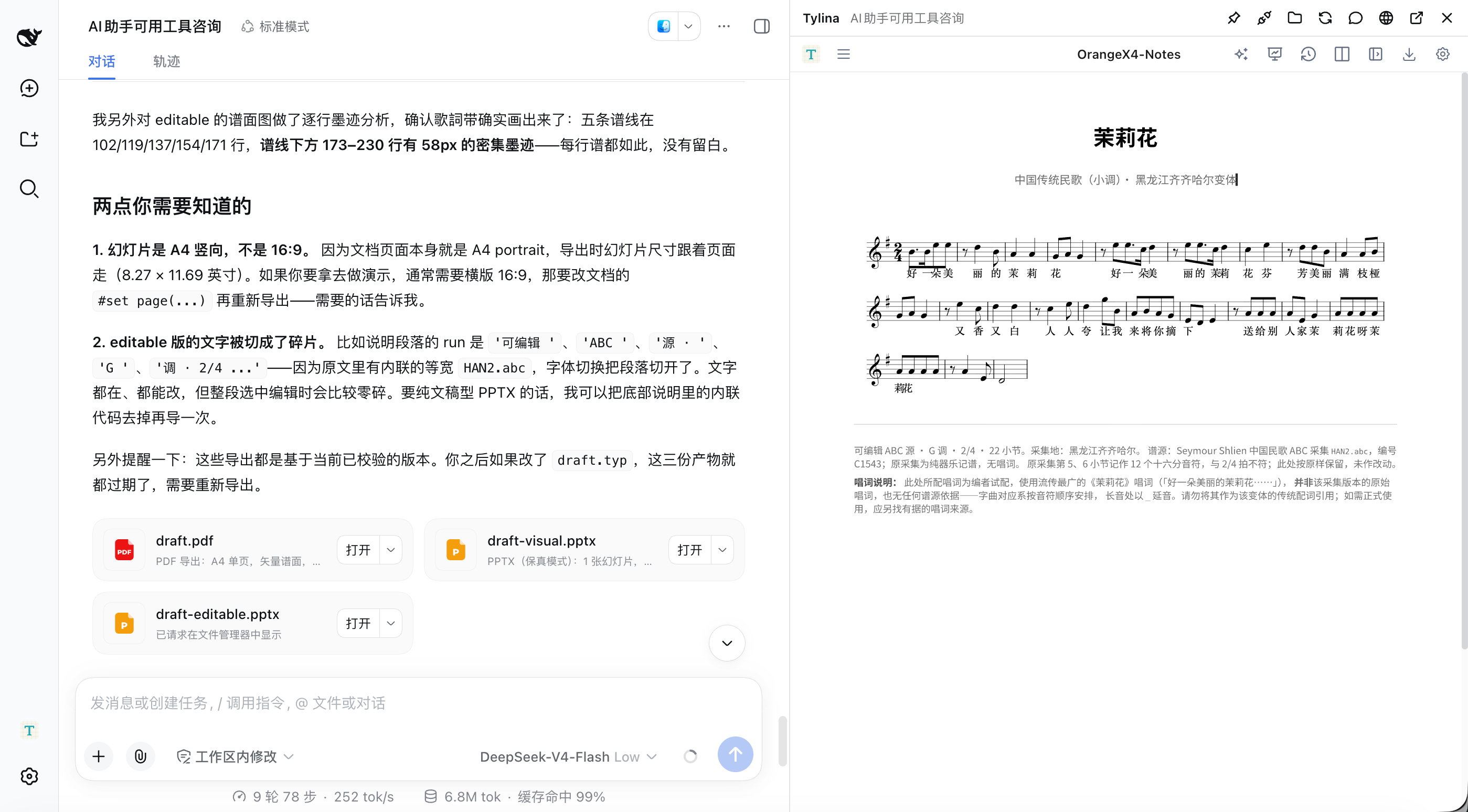 |
What will you make?
Start with a template, then shape it through conversation and direct editing. These are real compiled template examples.
Résumé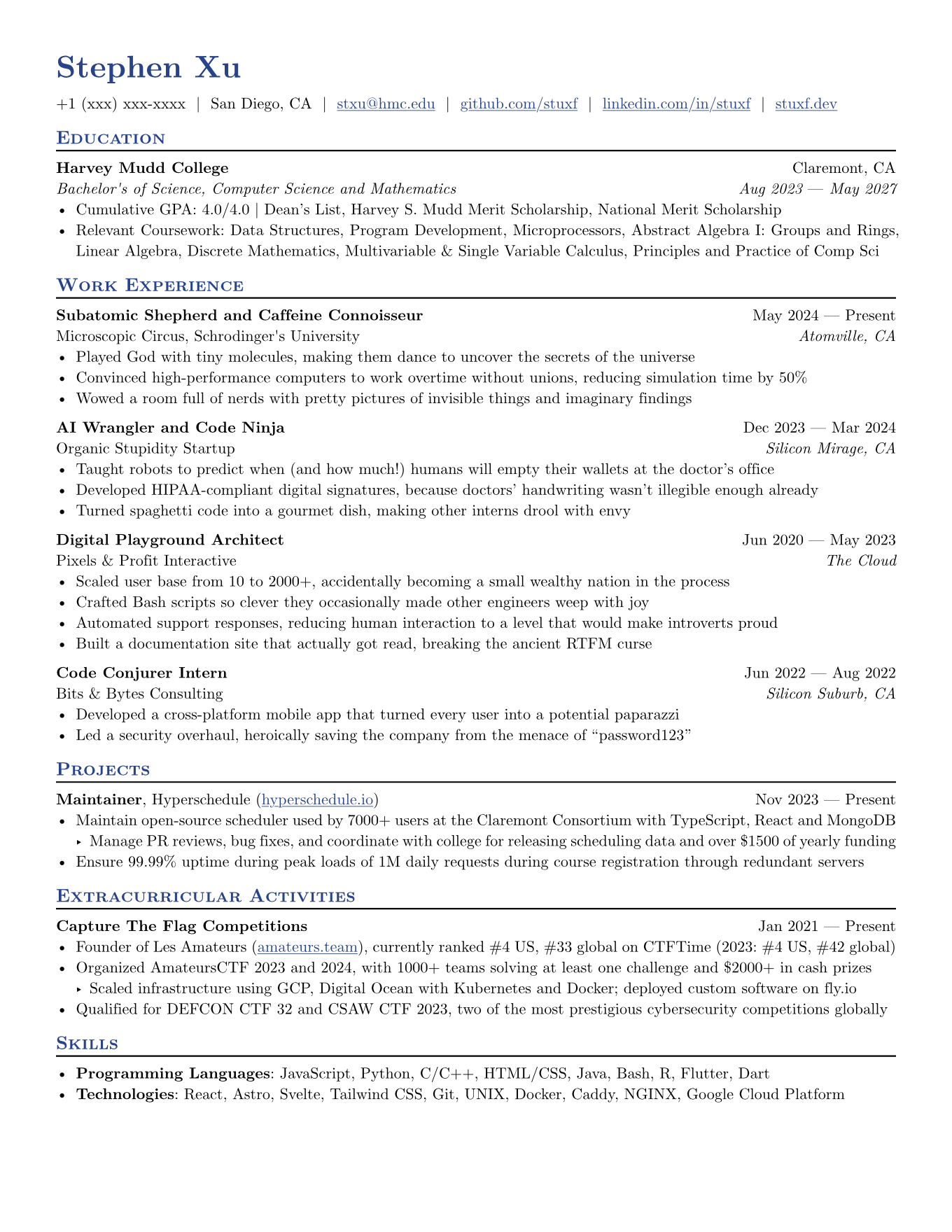 | Poster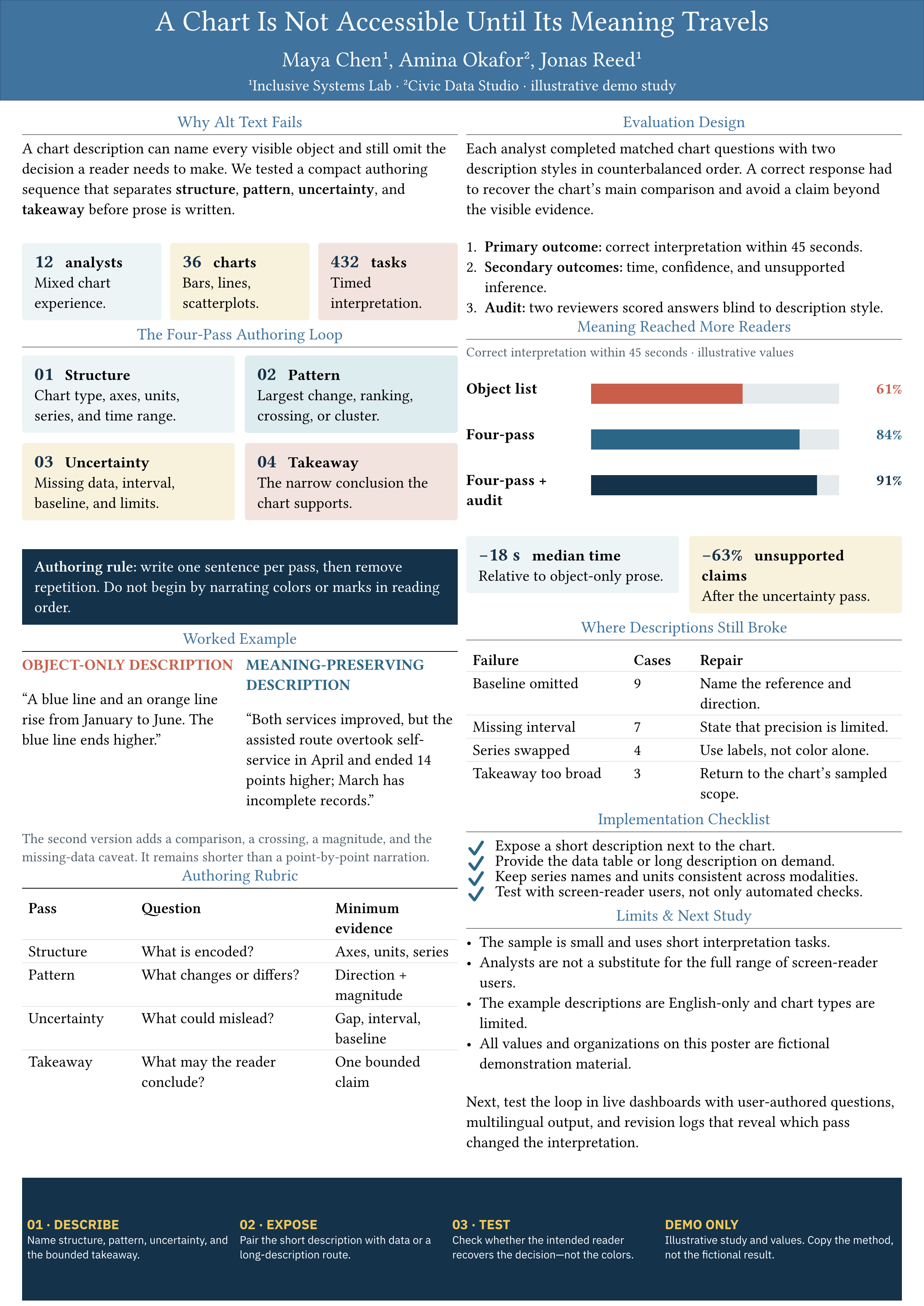 |
Academic slides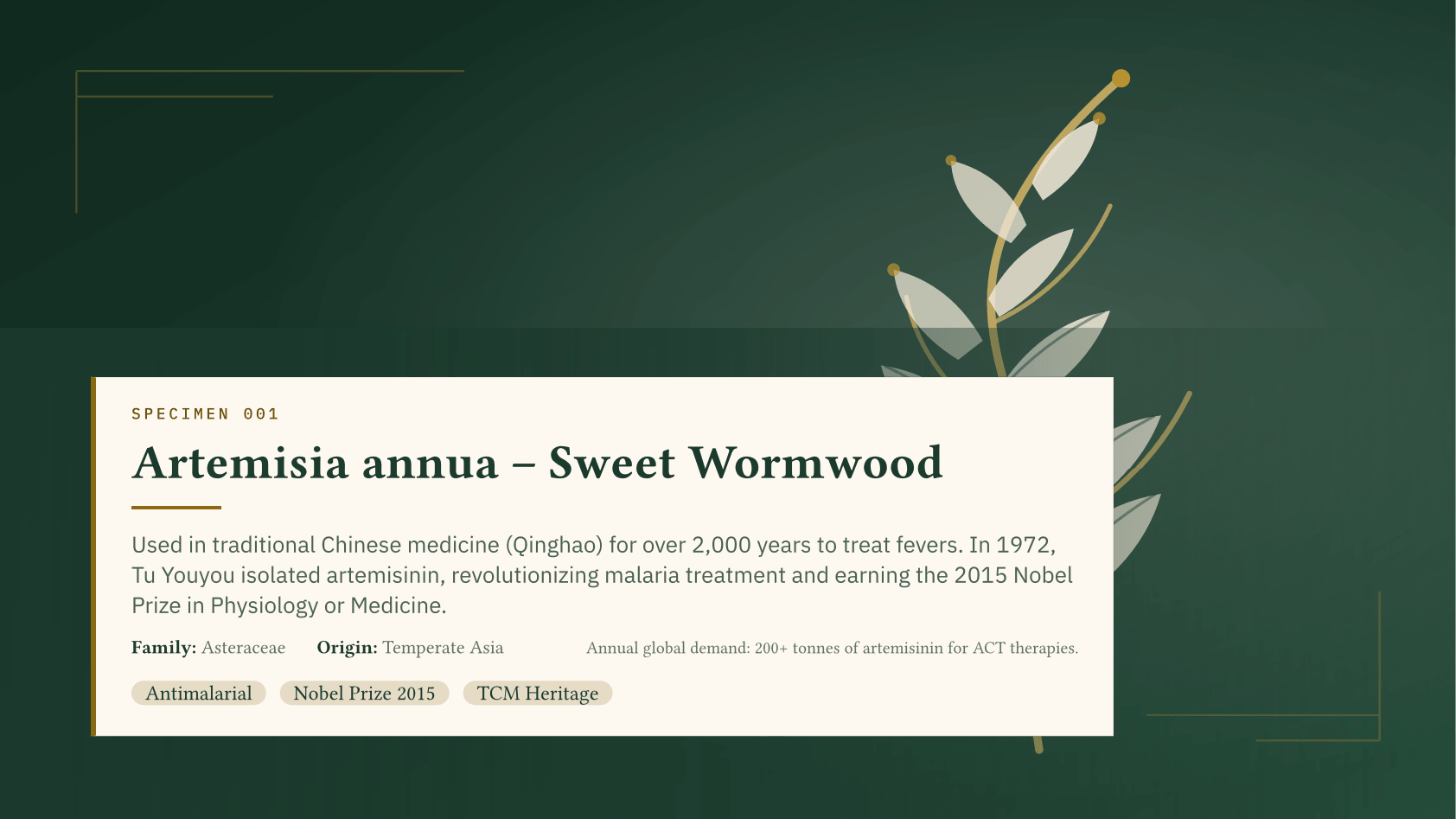 | Charts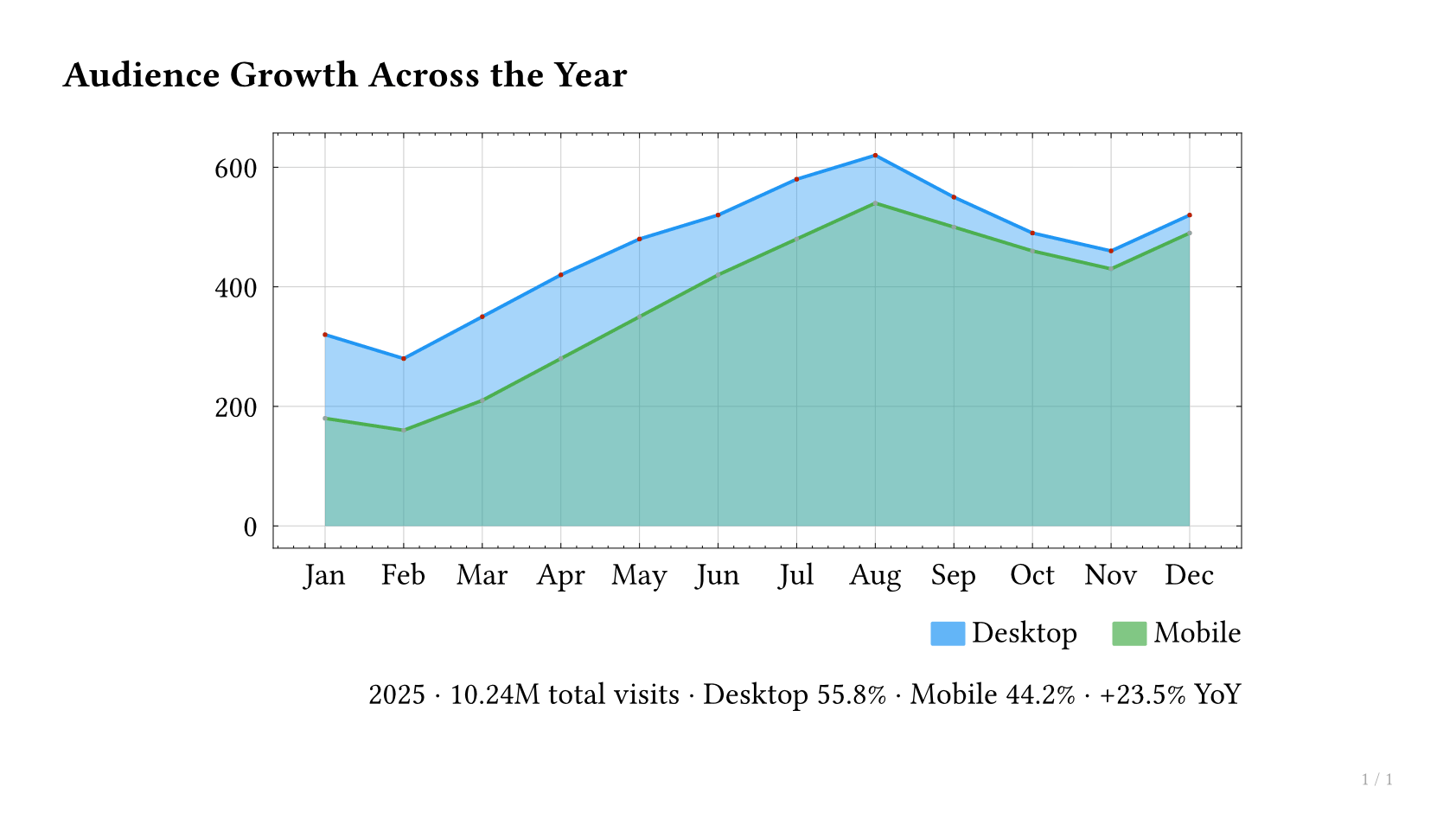 |
Paper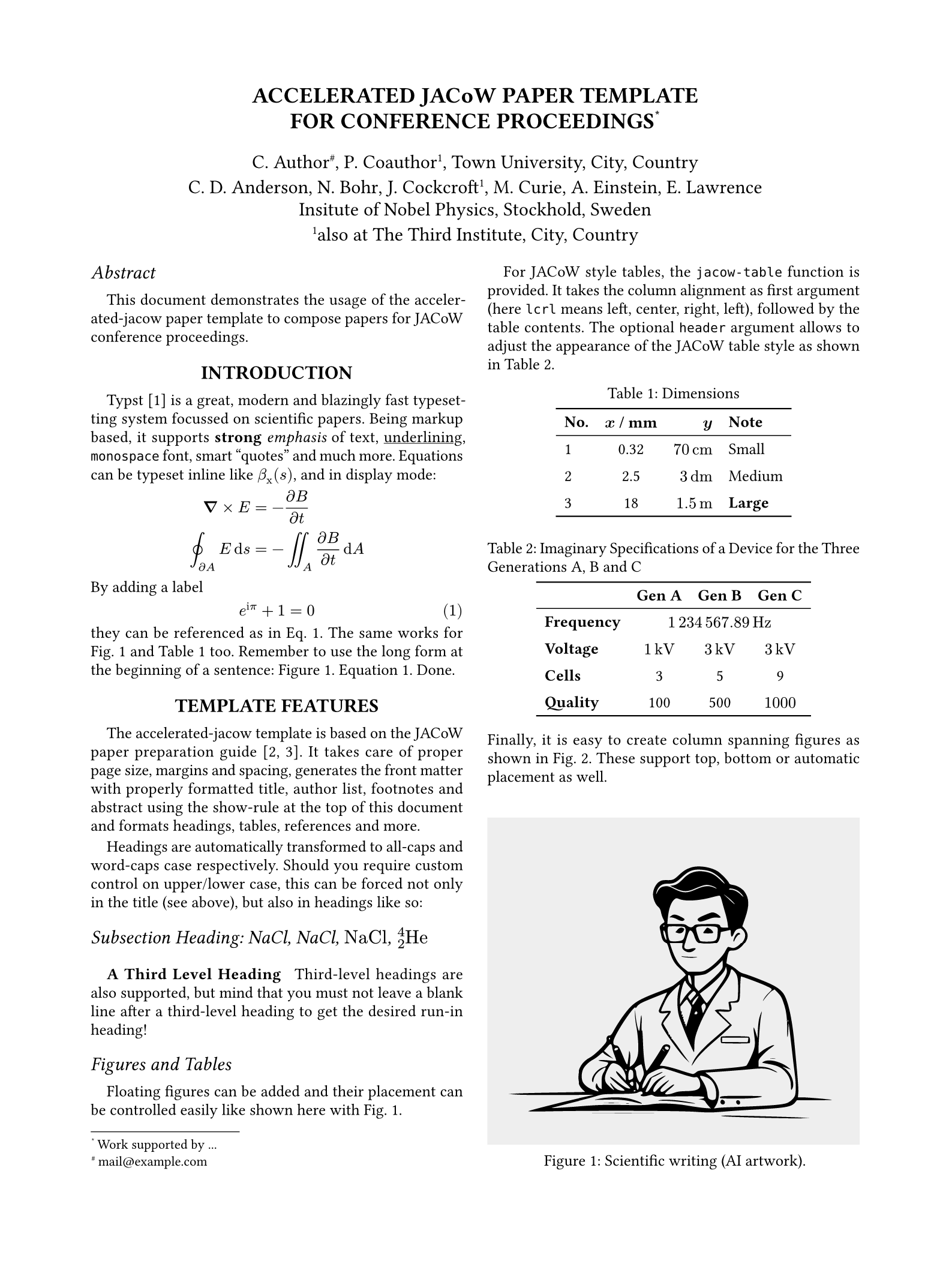 | Notes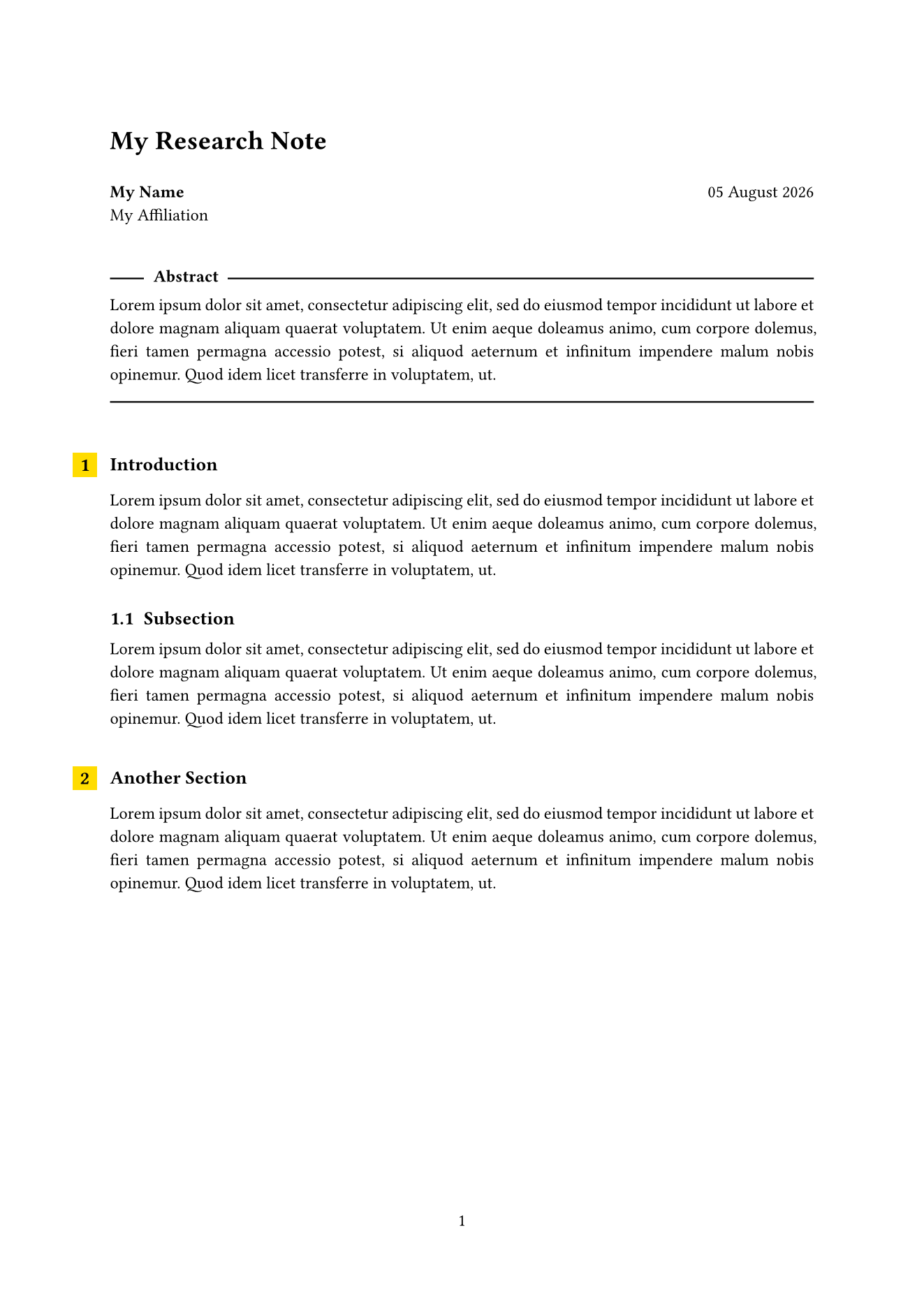 |
Report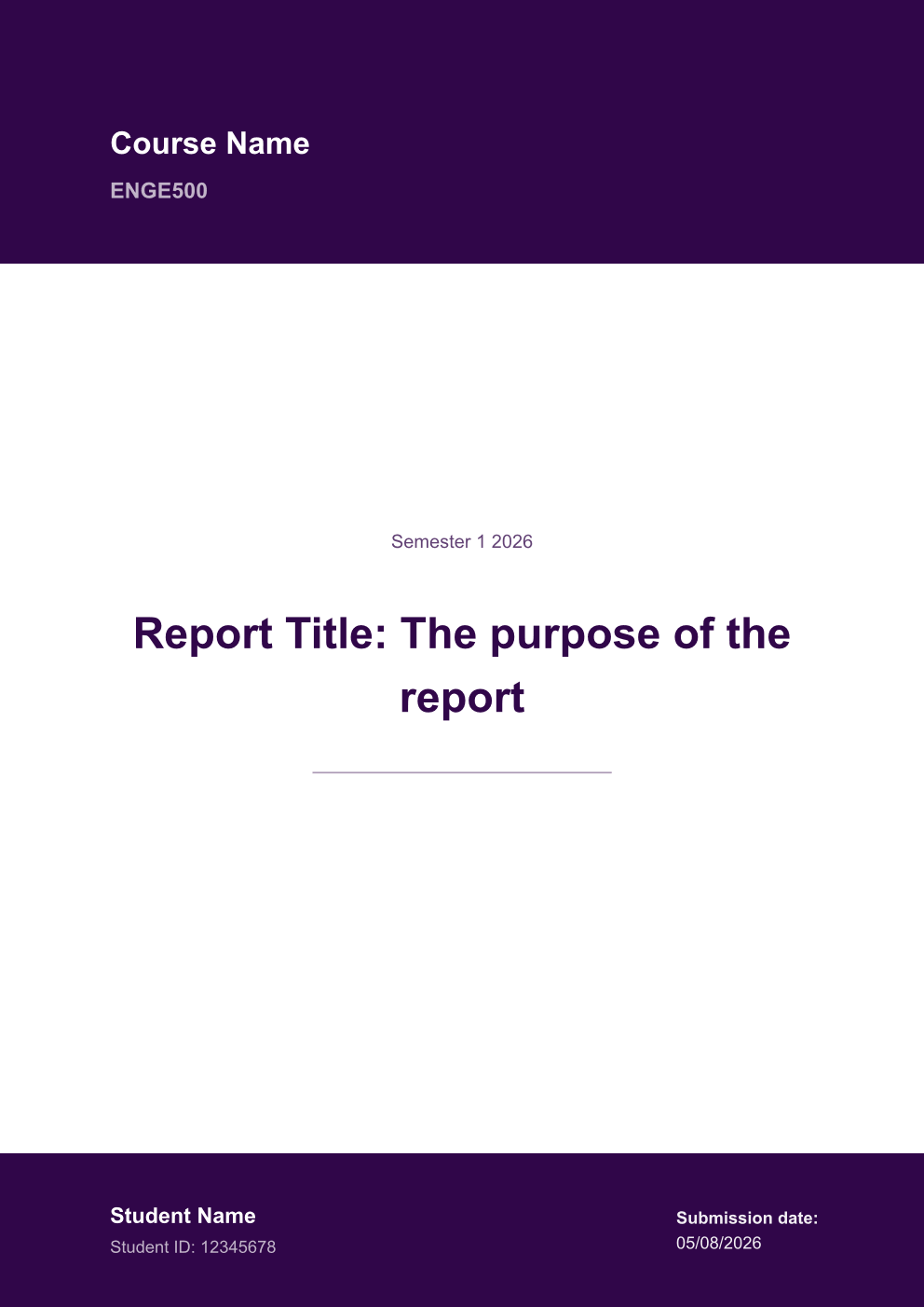 | Book |
Explore Tylina · Watch the editing demo · Template and screenshot credits
Try asking your agent
Turn the paper in this workspace into a 10-slide research talk. Keep the citations, add speaker notes, review the layout, and export an editable PowerPoint.
Turn my experience into a one-page résumé with a clear hierarchy and an emphasis on project outcomes.
Import
references/report.pdfinto a new Markdown evidence file, show me any extraction warnings, then use the verified material in the report.
Documents remain standard .typ source and resources that you can edit locally. Model requests use your configured
Harness provider. Tylina requires no account and adds no model proxy server.
Embed elsewhere with the SDK · Development & builds · Connect MCP clients · Report an issue
Tylina is proprietary software. This repository provides the Harness integration; the core is distributed as compiled npm dependencies. Third-party templates and fonts retain their own licenses.