DSH Plugin Store
Back to home

yumimanji

dsh-ui-spec

DeepSeek Harness plugin: turn UI screenshots into structured, implementation-grade web frontend specs. Deterministic geometry (sharp) + optional vision-model semantics, merged into one JSON + Markdown spec.

Stars
1
Language
TypeScript
Created
Aug 13, 2026
Updated
Aug 14, 2026
Vision
GitHub repo

Introduction

dsh-ui-spec

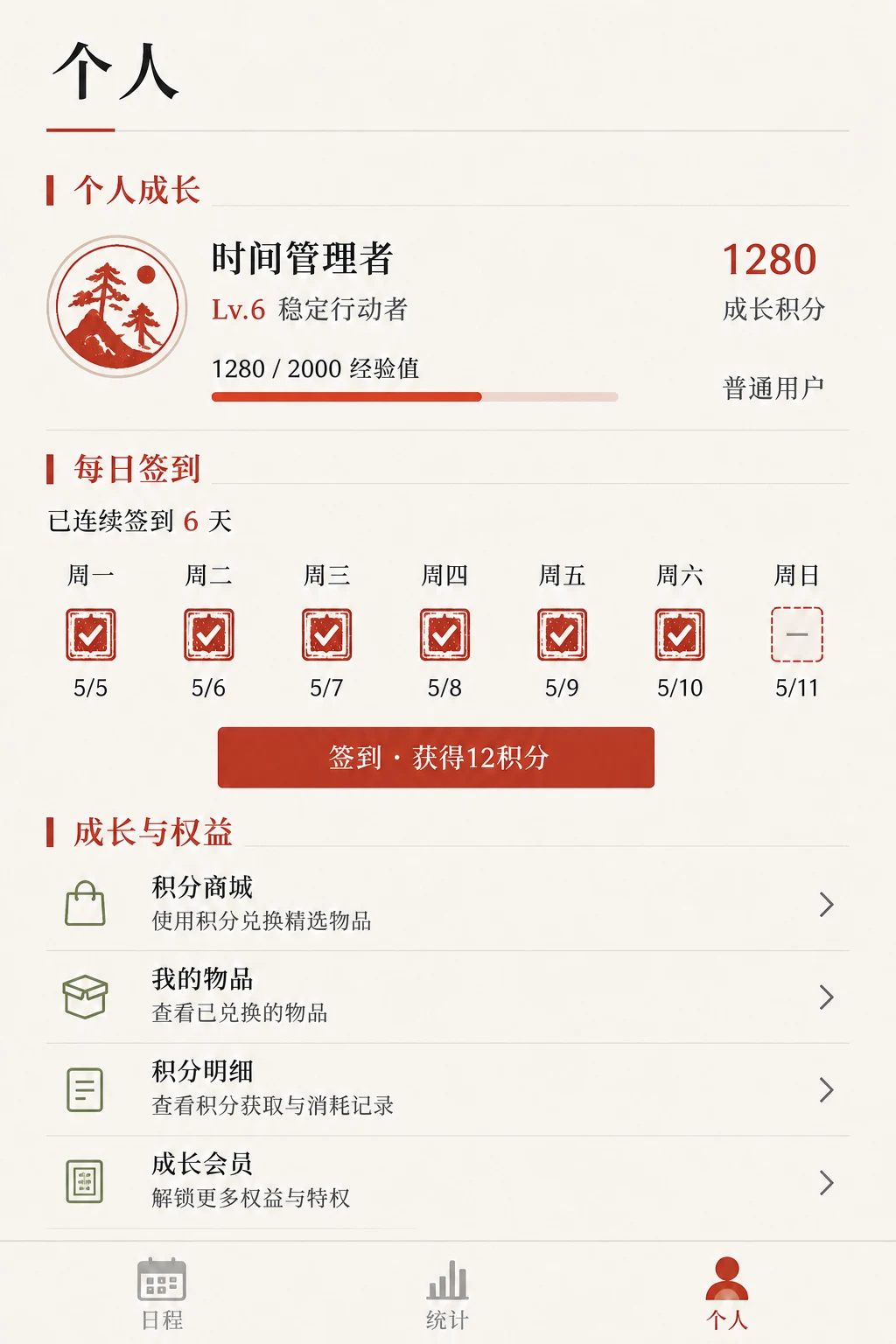
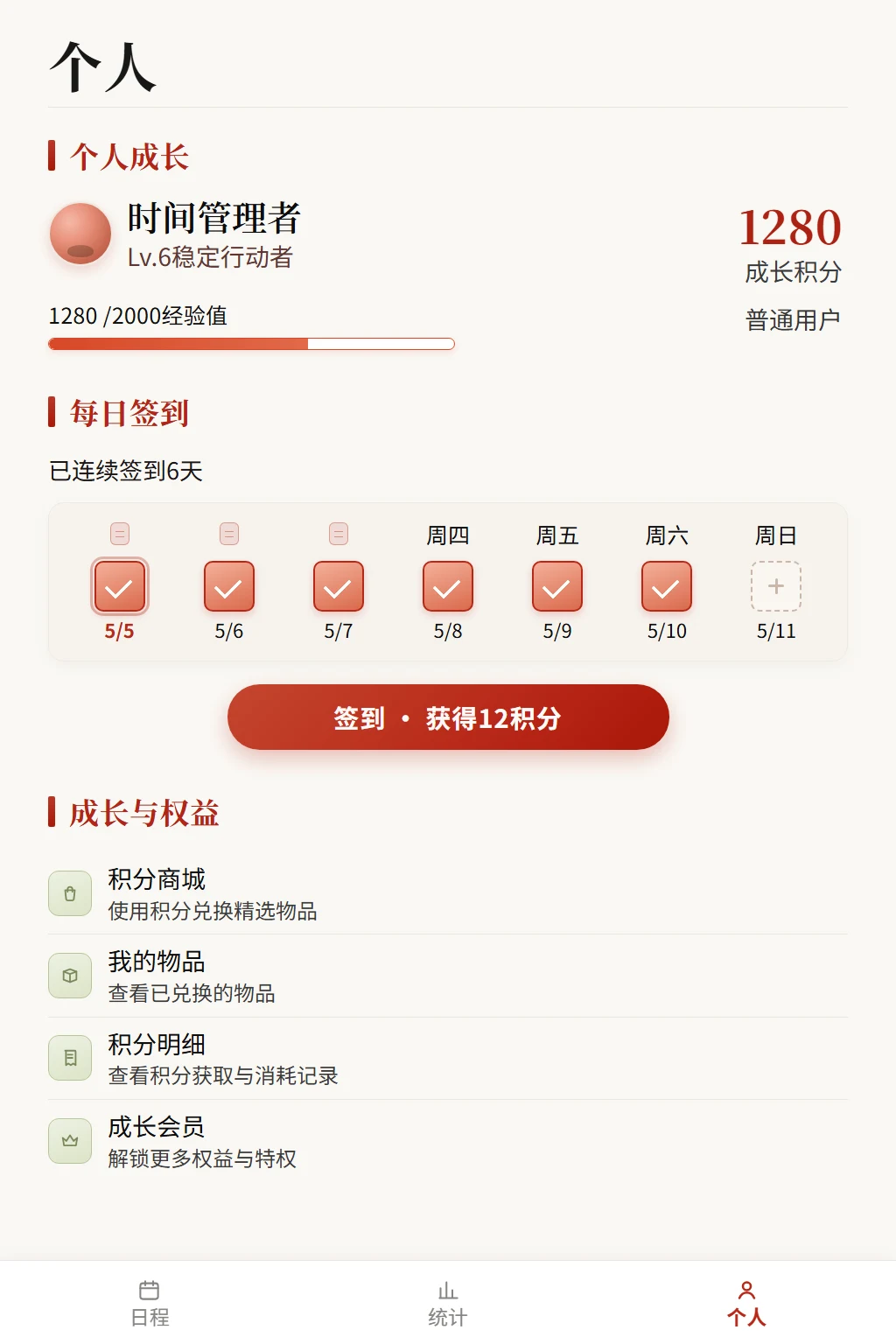
A DeepSeek Harness plugin that turns UI screenshots / mockups / reference images into structured, implementation-grade web frontend specs.

It merges two complementary layers into one spec (JSON + Markdown):

  1. Deterministic geometry (always on, sharp-based, no Python needed) — exact dimensions, dominant color palette + suggested design tokens, layout grid, major region candidates, component bounding-box candidates, spacing scale, and style hints. These are the measurable facts that vision models are bad at.
  2. Semantic layer (optional, on by default if configured) — page type, visible text, icon meanings, component roles, and interaction states, from an OpenAI-compatible vision model. These are the meanings that pixel math can't produce.

This is a TypeScript port + extension of the ui-reference-frontend Claude Code skill. The original skill's Python analyzer (analyze_ui_image.py) was deliberately non-semantic; this plugin keeps that geometry layer and adds a vision-model semantic layer on top, so the same tool serves both as the "floor" and (optionally) the "ceiling."

Why this exists (and how it differs from dsh-vision / modlens)

Existing DSH vision plugins give text-only models the ability to "see" an image. They don't extract exact pixel coordinates, spacing scales, or design-token palettes — vision models are unreliable at those. This plugin's differentiator is the deterministic geometry layer. Used together with a vision model, you get precise placement and semantic intent in one spec.

Install

From a DSH profile directory:

dsh plugin --profile web add dsh-ui-spec

Or directly:

npm install dsh-ui-spec

sharp ships prebuilt binaries for Windows/macOS/Linux, so npm install works without a native toolchain or Python.

Configure the semantic layer (optional)

If unset, the plugin silently returns geometry-only specs (matching the original skill). Set env vars to enable vision semantics:

VarDefaultNotes
DSH_UI_SPEC_VISION_API_KEYFalls back to DEEPSEEK_API_KEY, then OPENAI_API_KEY
DSH_UI_SPEC_VISION_BASE_URLhttps://api.deepseek.com/v1Any OpenAI-compatible endpoint
DSH_UI_SPEC_VISION_MODELdeepseek-chatUse a vision-capable model
DSH_UI_SPEC_VISION_TIMEOUT_MS60000Per-request timeout

Example (PowerShell):

$env:DEEPSEEK_API_KEY = "sk-..."
$env:DSH_UI_SPEC_VISION_MODEL = "deepseek-chat"   # or a VL model
dsh web

The tool

The plugin registers one model-facing tool, analyze_ui_image:

ParameterTypeRequiredDescription
image_pathstringyesAbsolute path to the reference image
max_componentsnumbernoMax component candidates (default 80)
enable_visionbooleannoCall the vision model for semantics (default true; ignored if unconfigured)
out_dirstringnoIf set, also writes <name>.web.ui-spec.json + .md there

The canonical return value is the merged spec object (so Code Mode can consume it programmatically); the model-facing render is a concise Markdown brief.

How to use the spec

  • image.width/height + layout.grid → viewport + CSS layout.
  • palette.suggested_tokens → design tokens; preserve background/surface/accent ratios.
  • regions → page structure (header / sidebar / content / cards / nav / footer).
  • component_candidates → bounding-box hints; merge adjacent boxes into real components.
  • spacing.scale_px → CSS spacing tokens.
  • semantics.component_roles → merge with geometric candidates; prefer semantic roles for intent, geometry for placement.

Preserve layout density, spacing rhythm, and color ratios before adding polish. Don't invent decoration the reference doesn't imply.

Project layout

src/
  index.ts      plugin entry: apply(ctx) registers tool + section
  tool.ts       defineTool('analyze_ui_image') + optional systemPrompt section
  analyzer.ts   sharp port of the geometry analysis (palette/edges/boxes/spacing/tokens)
  vision.ts     OpenAI-compatible vision call for the semantic layer
  render.ts     Markdown report + canonical value assembly
  types.ts      shared spec types

Build

pnpm install
pnpm build        # tsdown -> lib/
pnpm typecheck    # tsc --noEmit

Status & caveats

  • DeepSeek Harness is at 0.1.0-rc (developer preview); the runtime APIs may change between releases. The tool registration follows the official adding-a-tool contract; the system-prompt section is feature-detected and degrades gracefully if its shape shifts.
  • The vision layer calls a remote model; treat its output as hints, not ground truth. Verify text and icon meanings against the source image.
  • Geometry-only mode needs no API key and works offline.

License

MIT. Derived from the ui-reference-frontend skill concept.